Free AI Kitchen Design Generator
Upload a photo of your kitchen, pick a style, and see the new look in seconds.
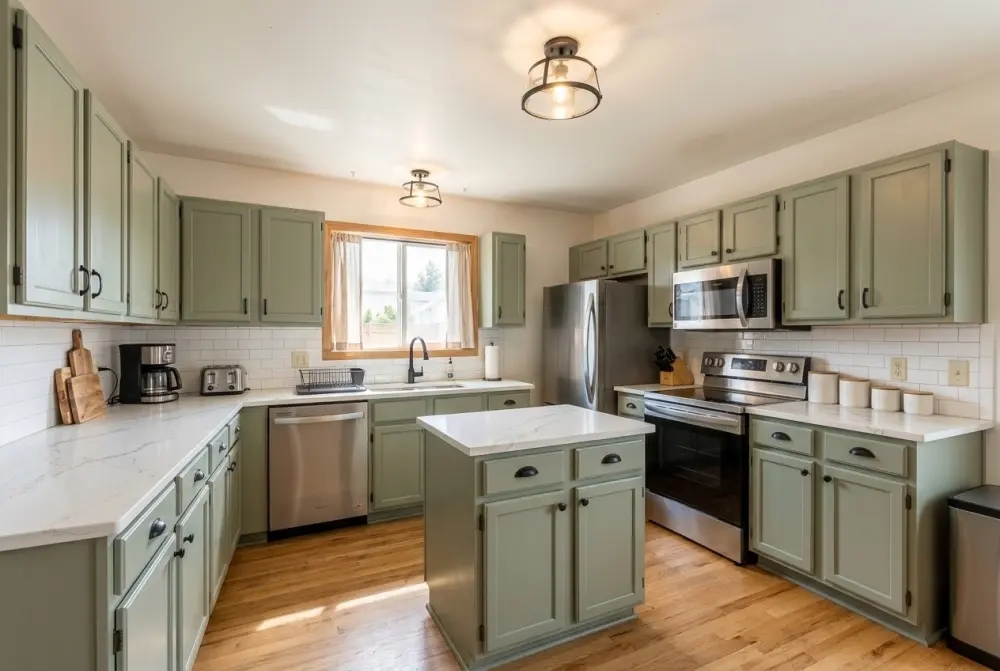
 BeforeAfter
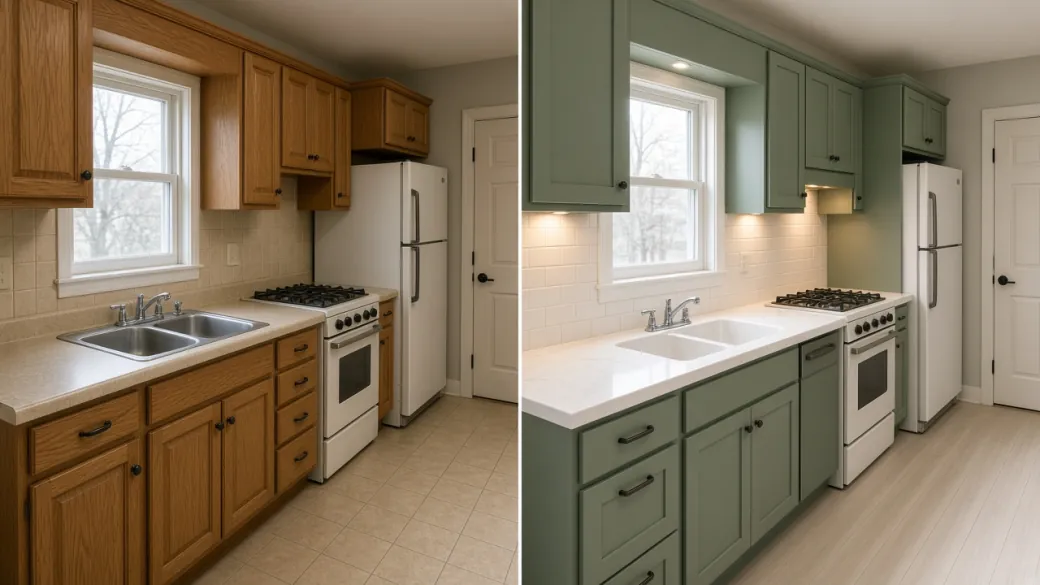
Example: a 1990s kitchen redesigned in Modern Farmhouse style. Drag to compare.
How to Use AI Kitchen Design Tool
- 01Upload a photo
Upload a photo from your computer or phone to start your AI kitchen design. If you're on a computer and the photo is on your phone, don't worry about emailing it to yourself or syncing files. Just scan the QR code to upload it straight from your phone.
- 02Pick a style or describe your own
Pick a style from the list, like Modern Farmhouse, Japandi, or Coastal. Every style in our AI kitchen design tool comes with a preview image, so you don't have to guess what the name means. You can also keep your current layout and pick new cabinets, countertops, backsplash, and flooring, or switch to Custom and describe your kitchen AI design in your own words.
- 03Generate your design
Click the Generate button, and the AI kitchen design generator will create your new kitchen in seconds. For the best AI kitchen design results, use a bright, clear photo that shows the whole kitchen with clean countertops.
- 04Download and share
Download the finished AI kitchen design straight to your device, or scan the QR code on your computer to get it on your phone and show it to your family or contractor. Every design you make is also automatically saved in My Designs, so you can come back to it anytime.
Why Kitchen Design Matters
The kitchen is the heart of the home, and it's usually the first room buyers look at. Because you use it every single day, updating an outdated kitchen not only makes daily life better, it's also one of the best ways to add value to your home.
You don't need a full gut renovation to make a big difference. According to the 2025 Cost vs. Value report, a minor kitchen remodel in the US recoups over 110% of its cost at resale, far outperforming a major tear-out. Swapping out cabinet fronts, brightening up the countertops, updating the backsplash, and adding better lighting can completely transform the room without moving a single wall.
The hard part is picturing how everything will come together. It's almost impossible to look at a tiny paint swatch or a single piece of tile in a store and imagine it across your whole kitchen. Plenty of homeowners pick a cabinet color or countertop, pay thousands to have it installed, and wish they had tested AI kitchen design ideas first.
Using an AI kitchen design tool takes the guesswork out of remodeling. Instead of guessing how things will look, you can test new styles, cabinets, and countertops right on a photo of your own kitchen. Compare navy cabinets against classic white, or see how warm wood looks next to white quartz before you spend a dime. It makes it easy to get on the same page with your family and walk into a showroom or contractor meeting knowing what you want.
Designer vs. DIY vs. AI Kitchen Design
| Hiring a Designer | Planning It Yourself | AI Kitchen Design | |
|---|---|---|---|
| Cost | Thousands of dollars in design fees | Free upfront, but mistakes get expensive | Free to try, then just pennies per design |
| Time to Preview | Days or weeks for initial renders | Hours of browsing and trips to the store | Ready in seconds |
| How You See It | Professional 3D renders and floor plans | Paint swatches, tile samples, and guesswork | Realistic AI kitchen design previews right on your own photo |
| Making Changes | Extra time and fees for each revision | Starting over with new samples | Try as many new designs as you want |
| Best For | Moving walls, plumbing, and full tear-outs | Simple paint jobs and minor updates | Seeing how your AI kitchen remodel will look before you buy |
Typical Use Cases of AI Kitchen Design
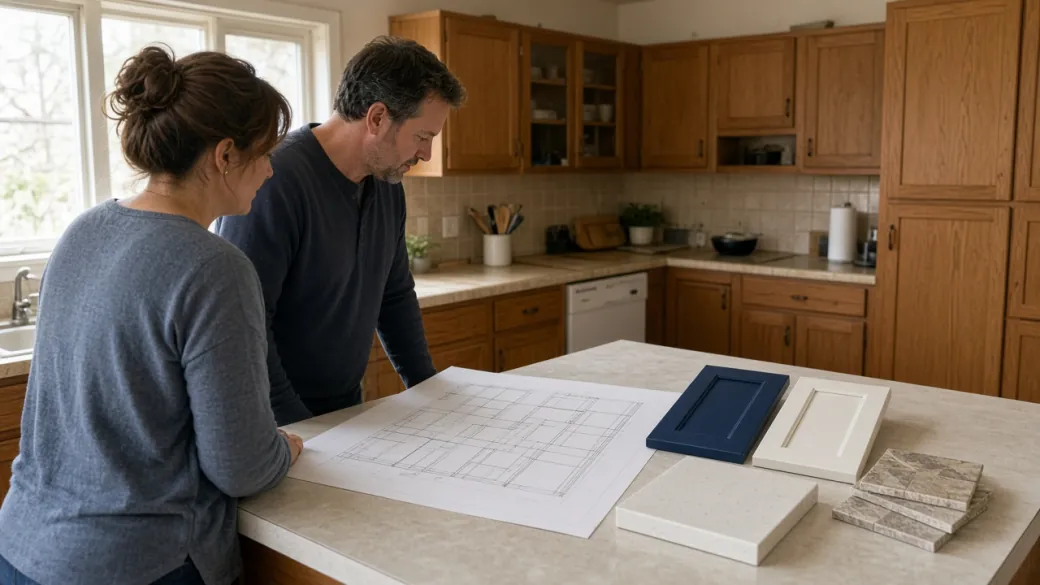
Home Remodeling and Renovation
Take the guesswork out of your AI kitchen remodel before you spend a dime on materials. Simply upload a photo of your current kitchen, keep your existing layout, and use our AI kitchen design tool to test out different cabinet colors, countertops, and backsplashes right on your own space. Avoid costly mistakes and lock in an AI kitchen design you and your family love in seconds, not weeks.
Plan Your AI Kitchen Remodel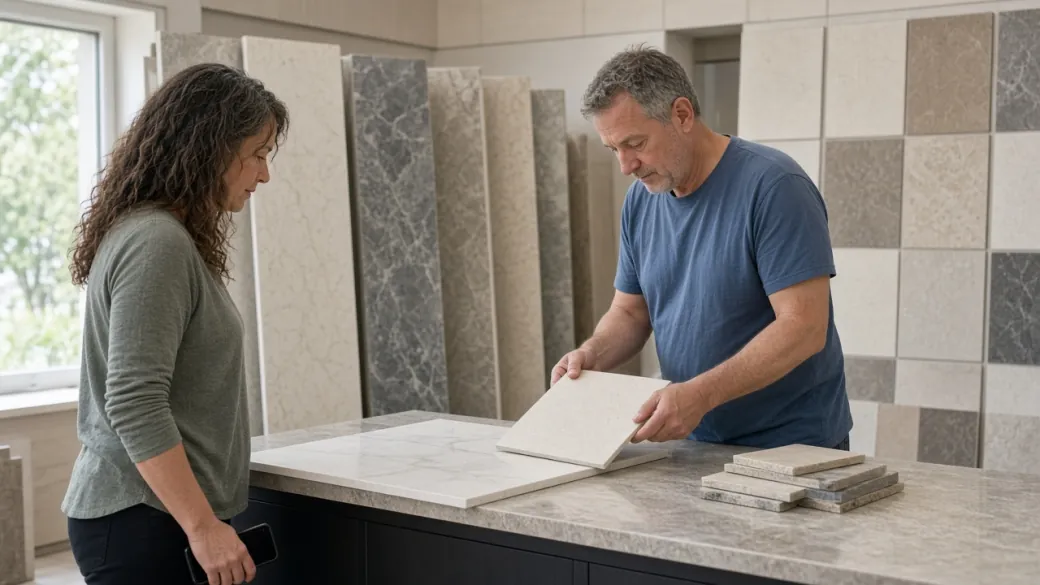
Contractor Briefs and Material Shopping
Stop struggling to explain the look in your head to contractors and showroom staff. Create a realistic AI kitchen design preview of your actual kitchen and bring the image straight to the store on your phone to match paint colors, stone slabs, and tiles. Everyone stays on the same page from day one, cutting out endless revisions and miscommunication.
Try AI Kitchen Design from Photo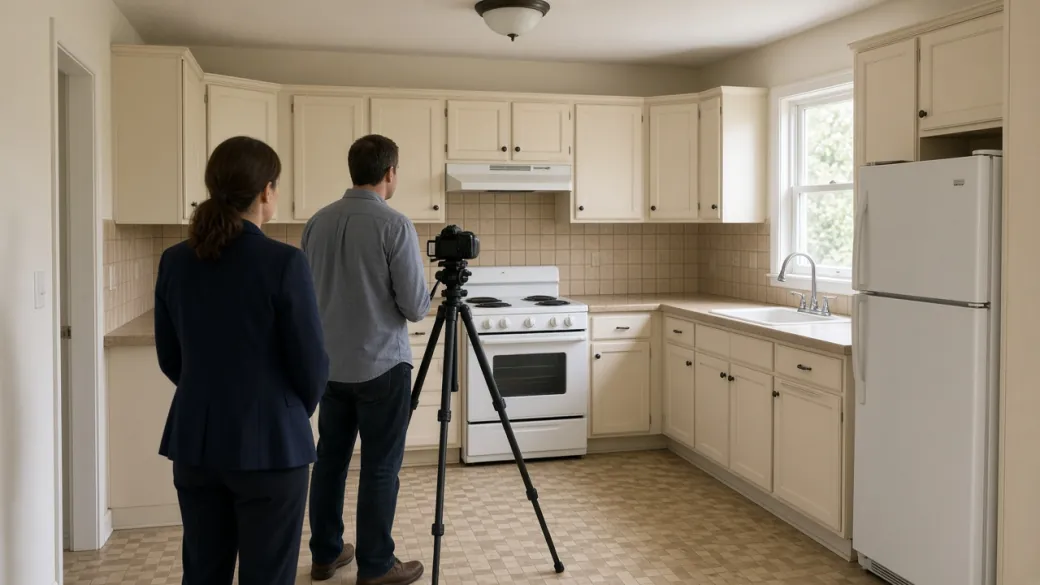
Real Estate Listings and Virtual Refresh
Help buyers see past an outdated kitchen and fall in love with your property's true potential. Upload a listing photo to our AI kitchen design generator and show buyers a bright, modern kitchen while keeping the room's real layout. Stand out in crowded listings and help buyers picture their dream home without paying thousands for physical staging.
Use AI Kitchen Design Now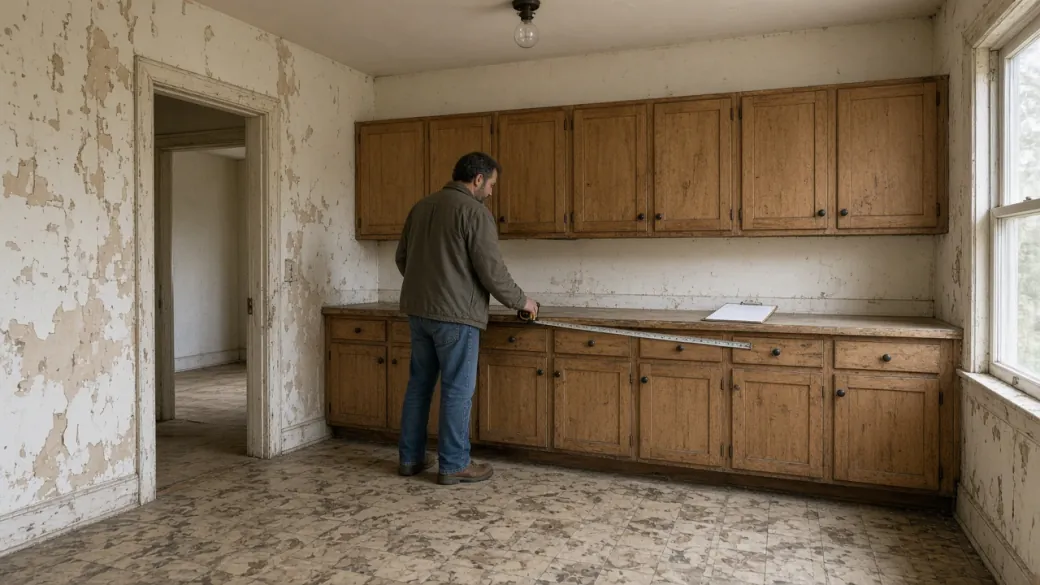
House Flipping and Rental Upgrades
Maximize your return on investment by finding the highest-impact updates on a tight budget. Snap a photo during a property walkthrough and test different kitchen AI design combinations for cabinets, flooring, and lighting to see if a simple cosmetic refresh is enough. Plan a smarter AI kitchen remodel in seconds and stretch your renovation budget further on every project.
Start Your Kitchen AI DesignWhy Choose Our AI Kitchen Design Tool
Keep Your Exact Kitchen Layout
Most kitchen updates are about refreshing the look, not tearing down walls or moving plumbing. With "Keep current layout" turned on, our AI kitchen design tool keeps your cabinets, windows, and appliances in the exact same spot and only updates the colors, surfaces, and lighting. You get a realistic AI kitchen remodel preview that fits your real space.
Start AI Kitchen Remodel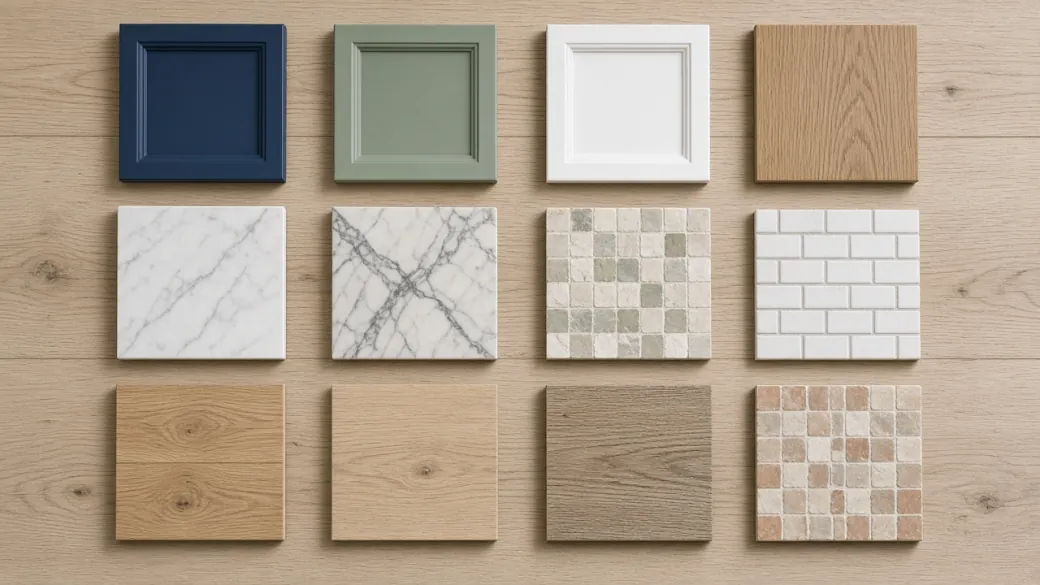
Visual Previews for Every Style and Material
You shouldn't have to google interior design terms or waste credits just to see what a style looks like. Every kitchen style, cabinet color, countertop, backsplash, and flooring option in our AI kitchen design generator comes with a clear preview thumbnail. You can see the exact vibe and texture before you ever hit Generate.
Try AI Kitchen Design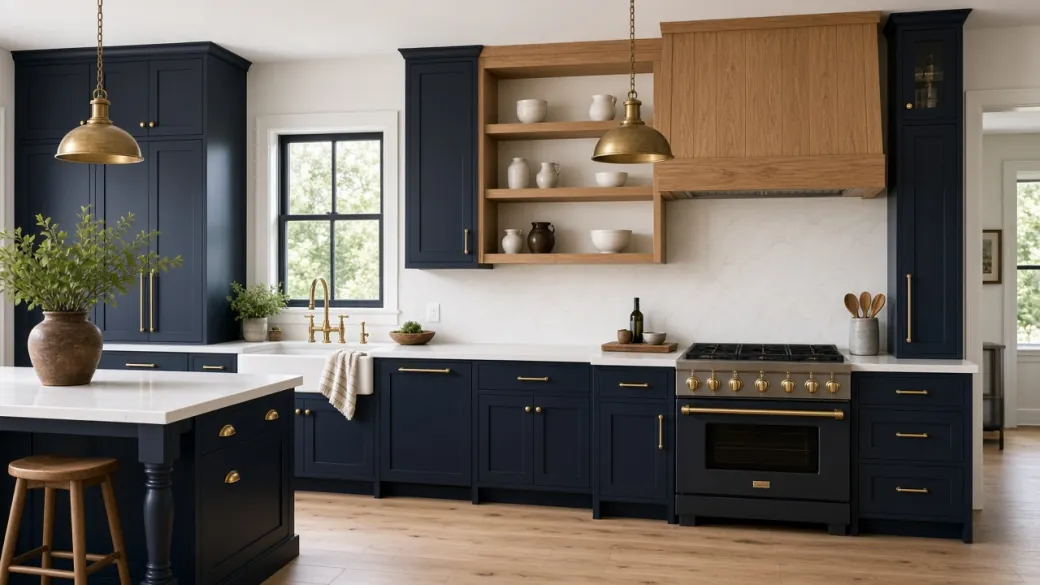
Mix Preset Styles with Custom Details
You're never locked into a one-size-fits-all template. Start your AI kitchen design by choosing from 18+ curated styles like Modern Farmhouse or Japandi, with new looks added regularly, then swap in specific materials like navy shaker cabinets or white quartz countertops and add notes for brass hardware or open shelving. Or switch to Custom mode and describe your kitchen AI design in your own words.
Use AI Kitchen Design
Seamless Phone-to-Computer Workflow
Planning an AI kitchen remodel is easier on a big screen, even when your kitchen photos are sitting on your phone. Scan a quick QR code on your computer to upload photos straight from your camera roll without emailing files to yourself. When your AI kitchen design is ready, scan again to save the finished image right back to your phone for showroom trips.
Try It on Your Phone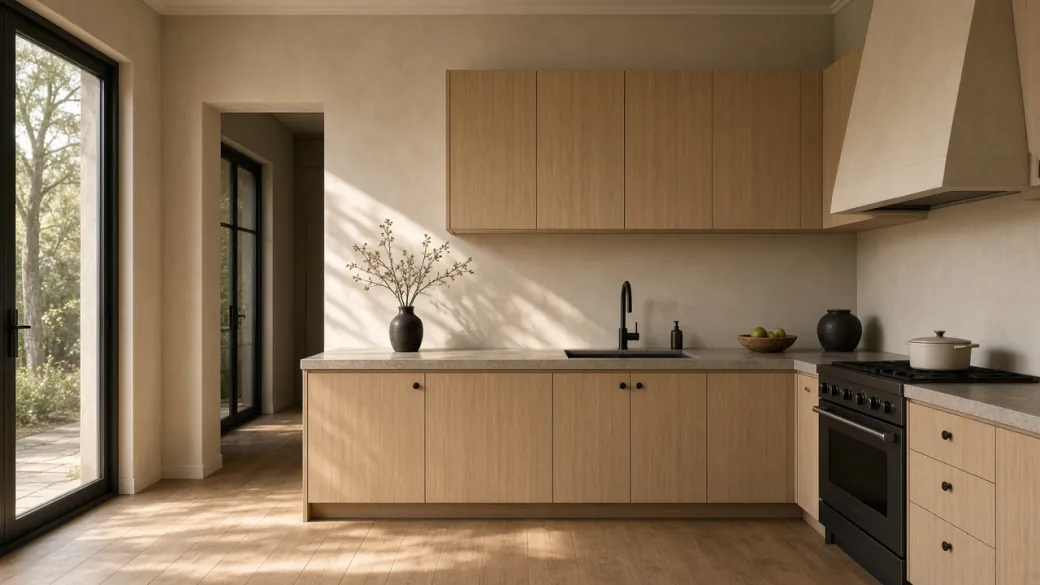
Photorealistic Results in Seconds
Skip the complex 3D software and weeks of waiting on traditional renders. Upload a photo to our AI kitchen design generator and get a clear, realistic new kitchen in seconds. If you want to keep building on a result you like, reuse it as your next starting photo with one click.
Start Designing Now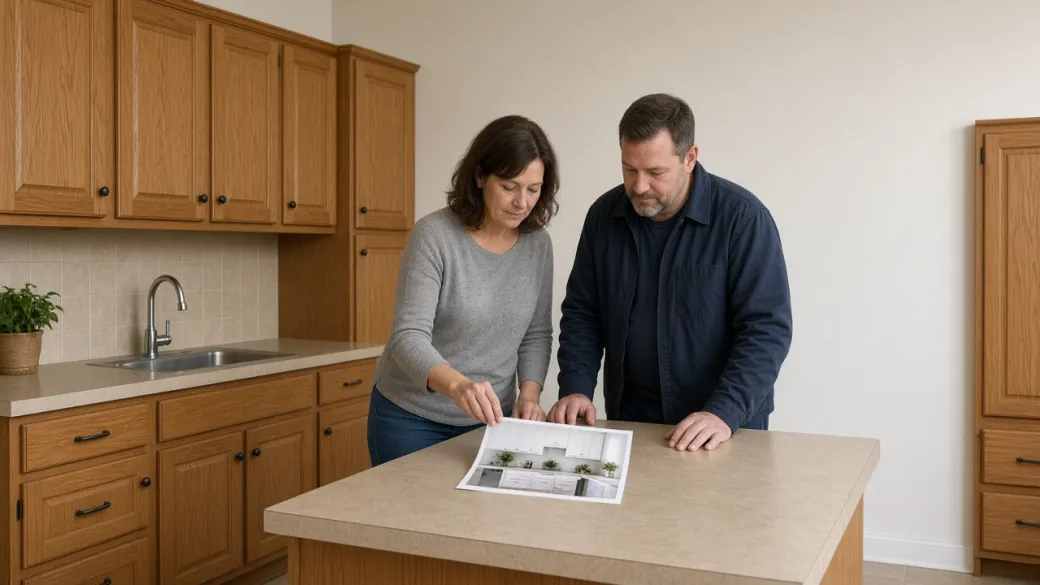
Watermark-Free Downloads and Fair Credits
Every AI kitchen design you generate is yours to download in full resolution with no watermark. Print it out, share it with your family, or hand it straight to your contractor. And if a generation fails, your credits are refunded to your balance automatically.
Use Free Kitchen Design ToolFrequently Asked Questions
What is AI Kitchen Design?
AI Kitchen Design is an online tool that lets you redesign your kitchen from a single photo. Just upload a photo of your kitchen, pick a style or write your own description, and see a realistic new look with updated cabinets, countertops, backsplash, flooring, and lighting.
Is this AI kitchen design generator free to use?
Yes, new accounts get free credits at signup so you can test our AI kitchen design generator on your own kitchen photo right away. Every download is full resolution and watermark-free, and you can top up with extra credits whenever you want to explore more AI kitchen design ideas.
How long does an AI kitchen design take to generate?
Your new AI kitchen design is ready in seconds. Once it finishes, you can download it, send it to your phone, or use the result as your next starting photo to keep making changes.
Will the AI kitchen design tool keep my current layout?
Yes. "Keep current layout" is turned on by default in our AI kitchen design tool. Your cabinets, island, windows, doors, and appliances stay in the same place, and the AI only updates the colors, materials, and lighting. If you want to try a completely new layout, just turn it off.
Can I pick my own cabinets, countertops, and flooring?
Yes. After picking a style, you can also choose specific cabinets, countertops, backsplash, and flooring from the dropdown menus.
What if the style I want isn't on the list?
You can add extra details like brass hardware, open shelving, or warmer lighting in the notes box under any preset style. Or switch to Custom mode and describe the exact kitchen AI design you have in mind in your own words.
What kind of photo works best for AI kitchen design?
A bright, clear photo taken in daylight from a corner or doorway gives the best AI kitchen design results, since it shows the whole room at once. Keeping your countertops clean and clutter-free also helps the AI generate a sharper, more realistic result. Standard JPG, PNG, and WebP photos all work.
Can I use these AI kitchen design results to build my real kitchen?
Use our kitchen AI design previews to pick the style, colors, and materials you like before you shop. Since AI photos don't include exact measurements, always have your contractor measure your kitchen before ordering materials.
Can I use the AI kitchen design tool on my phone?
Yes, our AI kitchen design tool works right in your mobile or desktop browser with nothing to download or install.
What happens if a generation fails?
If a design fails to generate, your credits are automatically refunded to your balance right away, and you can try again.
Start Your AI Kitchen Design Today
Bring your dream kitchen to life with our AI kitchen design generator. Upload a photo and see a realistic AI kitchen remodel in seconds.